Description
FREE WINDOWS SOFTWARE · v0.4
Give your pictures the size they need.
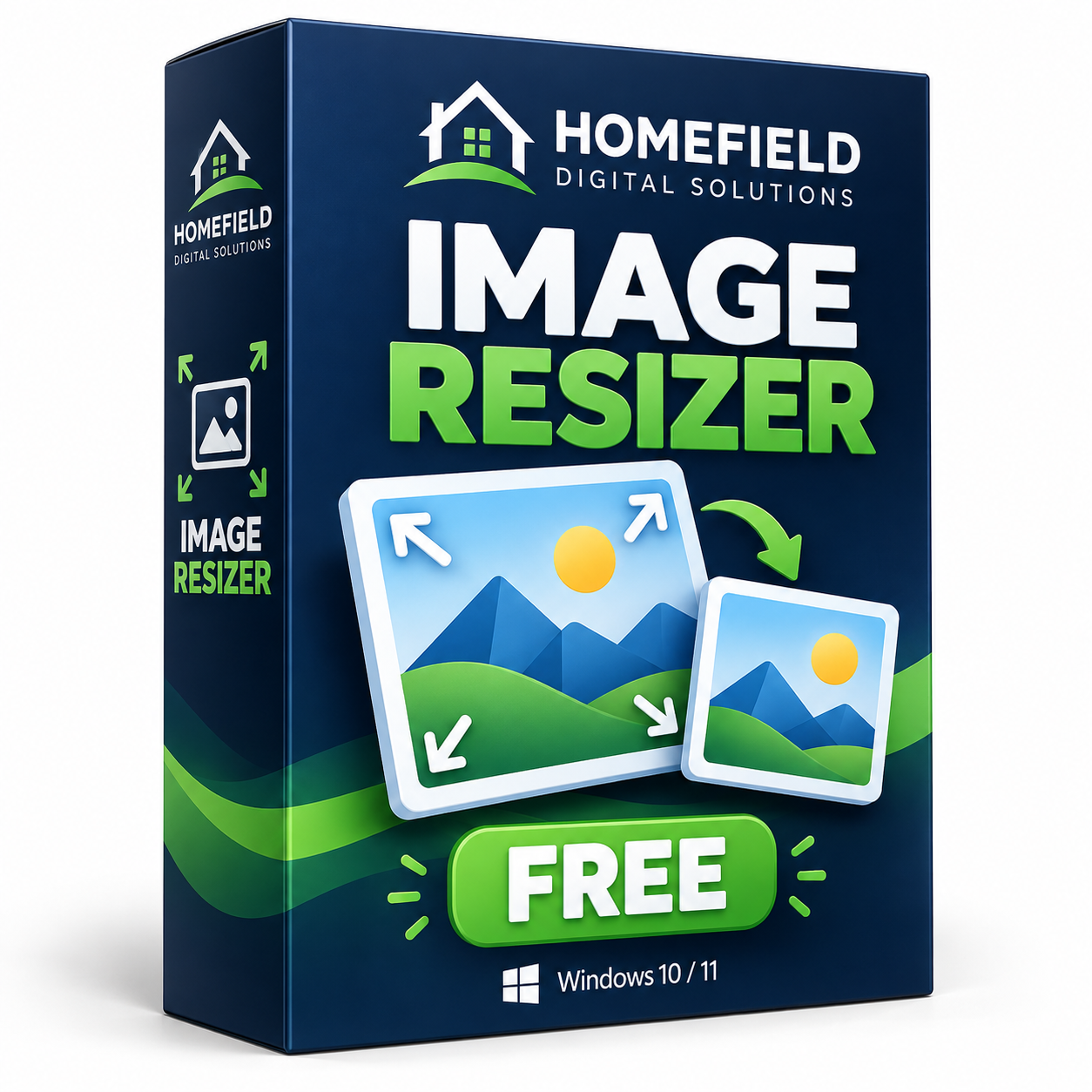
Prepare pictures for everyday projects with Homefield Image Resizer Free. Choose your maximum dimensions and save the resized pictures to a separate folder.
$0 · No account, checkout, payment, or subscription required.
Simple steps. Useful results.
- Add your pictures: Works with JPG, JPEG, PNG and BMP images.
- Choose your dimensions: Set the maximum width and height for your output.
- Choose a separate folder: Keep resized pictures organized away from the originals.
Get started in three steps
- Download the ZIP and choose Extract All in Windows.
- Open HomefieldImageResizerFree.exe from the extracted folder.
- Add pictures, set maximum dimensions, choose an output folder and start resizing.
What you need
Windows 10 or Windows 11, 64-bit. This download is a Windows desktop application. It does not run on iPhone, iPad, Android or Mac.
Before you resize
Keep a backup of important pictures and use a different output folder to protect the originals.
Is it really free?
Yes. This Free edition costs $0 and has no subscription. The ZIP includes the application and a README. The v0.4 package retains an earlier v0.2 heading in its README. Software is provided as-is without warranty.
Need clearer filenames? Explore Homefield File Renamer Free →
Customer reviews & feedback
Have you tried this program? Share what worked well, what could be better, or any problem you encountered. Your experience helps other customers and helps us improve the software.
Read or write a customer review →
Choose a star rating and write about your own experience. Reviews are checked before publication for spam, personal information, and relevance. Positive and critical feedback are both welcome. Your email address is not published.
Need software made for your needs?
Tell us what you would like built or changed. We can discuss the details and provide a quote before any paid work begins.


Reviews
There are no reviews yet.